Solslot Testnet Alpha
Explore the property record before you connect.
Review what a SmartDeed records, what the signed documents control, and which actions are available with test assets only.No wallet is required to browse. Opening the market loads the published property catalog and its current availability.
Property snapshot
See the numbers that matter.
Compare price, valuation, documents, timing, and availability before you connect a wallet.PropertyAt a glance
Price
Terms
Evidence
Status
Start with the signal
Open the supporting detail only when it helps your decision.
Entry price
CompareKnow your starting point
See the price, minimum entry, and current availability together.
Valuation
ReviewCheck the source and date
Compare the valuation, debt, assumptions, and downside case.
Documents
VerifyRead what defines your rights
Open the legal package, property evidence, and risk disclosures.
Availability
ActSee what you can do now
Know whether the listing is open, full, pending, or available to swap.
At a glanceYour decision snapshot
PropertyBrowse firstpublic
EvidenceTerms + mediatogether
ActionConnect when readyyour call
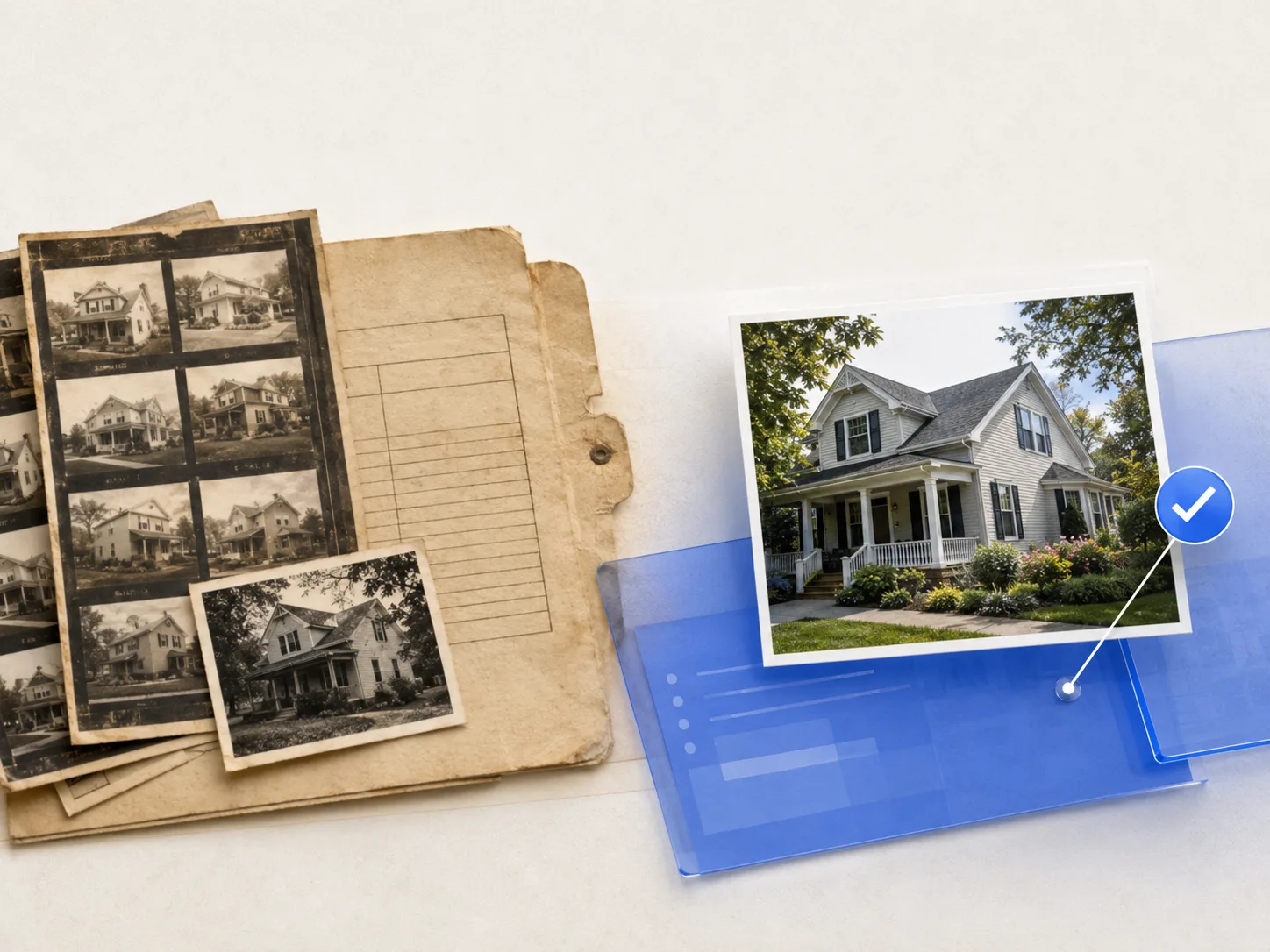
How Solslot works
A clear path from browsing to SmartDeed.
Look first. Connect only when a property and its terms make sense to you.- 01
Choose a property
Compare the plan, price, photos, and current status.
- 02
Read the terms
Check the value, timeline, costs, risks, and supporting documents.
- 03
Review your order
Connect a vault, verify privately, and see the full amount before signing.
- 04
Follow what you hold
See your SmartDeeds, property updates, and available next actions.
SmartDeed
The property terms, in one place.
A SmartDeed belongs to one property and carries its agreed terms, current status, and supporting record. The signed property documents define exactly what it does and does not provide.One listing, one recordSee the property, plan, valuation date, documents, and current status together.
Know what you are agreeing toReview the price, market-value formula, timeline, costs, restrictions, and risks.
Follow what happens nextIssuance, vault delivery, approved updates, and protocol status remain easy to check.
Before you decide
Questions worth answering.
Clear answers before you connect or pay. The signed property documents always control.PropertyWhat is this?One SmartDeed is tied to one property and one set of terms.
ValueHow is it set?Check the source, date, method, and listed adjustments.
TermsWhat do I accept?Read the timeline, costs, restrictions, risks, and final formula.
LaterWhat can I do?See whether an approved swap or redemption path is actually available.
It gives you the exact contract rights described in that property’s signed documents. It does not automatically give you title, a right to live there, management control, or direct equity in the property.
Each listing should show the value source, effective date, method, and key assumptions. That value is an input to the signed property formula, not a promised outcome.
The signed documents may adjust for owner-funded improvements, damage, or deferred maintenance so the calculation follows the property’s market value as described. Review the exact formula for that listing.
If an approved protocol route is available, an eligible SmartDeed may be swapped for Sols. Availability, price, and capacity can change, so an early exit is never guaranteed. Redemption is separate and appears only when approved and funded.
Sols are used for eligible secondary SmartDeed swaps through the Solslot protocol. They are not SGT, they do not buy a new SmartDeed at checkout, and they do not guarantee that a specific SmartDeed will be available.
Check the property value and date, current debt, price, final-value formula, timeline, costs, restrictions, risks, and document completeness. If an answer is missing, wait for it.
Learn at your pace
Start with the question you have now.
Each guide is short, focused, and connected to the action it explains.01What is a SmartDeed?See what it records, what the documents control, and what it does not promise.02How does Solslot work?Follow the path from browsing a property to managing what you hold.03What are Sols?Understand secondary SmartDeed swaps without confusing Sols with SGT.04Where do I manage everything?View SmartDeeds, Sols, reservations, updates, and your next action.
Need help?
Questions before you decide?
Get help with a property, a prior Solslot record, or your vault.
Property market Browse anytime Existing customer Legacy support Guides Open anytime