
See the property. Know the terms. Choose your move.
Compare the property, review the documents, and decide at your pace. You do not need a vault to look.
From first look to My Solslot.
Browse first. When you choose to act, review the full amount and each signature before it leaves your wallet.
- 1Choose a property
Compare the plan, price, photos, and current status.
- 2Read the terms
Check the value, timeline, costs, risks, and supporting documents.
- 3Review and confirm
Connect, verify privately, and see the full amount before signing.
- 4Keep up with it
See your SmartDeeds, updates, and available next actions.

Four questions. One place to answer them.
- 01What exactly am I buying?
- 02What could change the outcome?
- 03What are my options later?
- 04What evidence can I verify?
Learn one idea at a time.
SmartDeeds, Sols, and SGT do different jobs. Start with the one that matters to your next decision.

SmartDeeds
The terms tied to one property. The signed documents control.
Learn more
Sols
Used to switch between eligible SmartDeeds through Solslot. Not checkout.
Learn more
SGT
Votes on protocol rules. It does not buy property and is not Sols.
Learn more
Bridge
Move Sols between approved networks when a route is open.
Learn more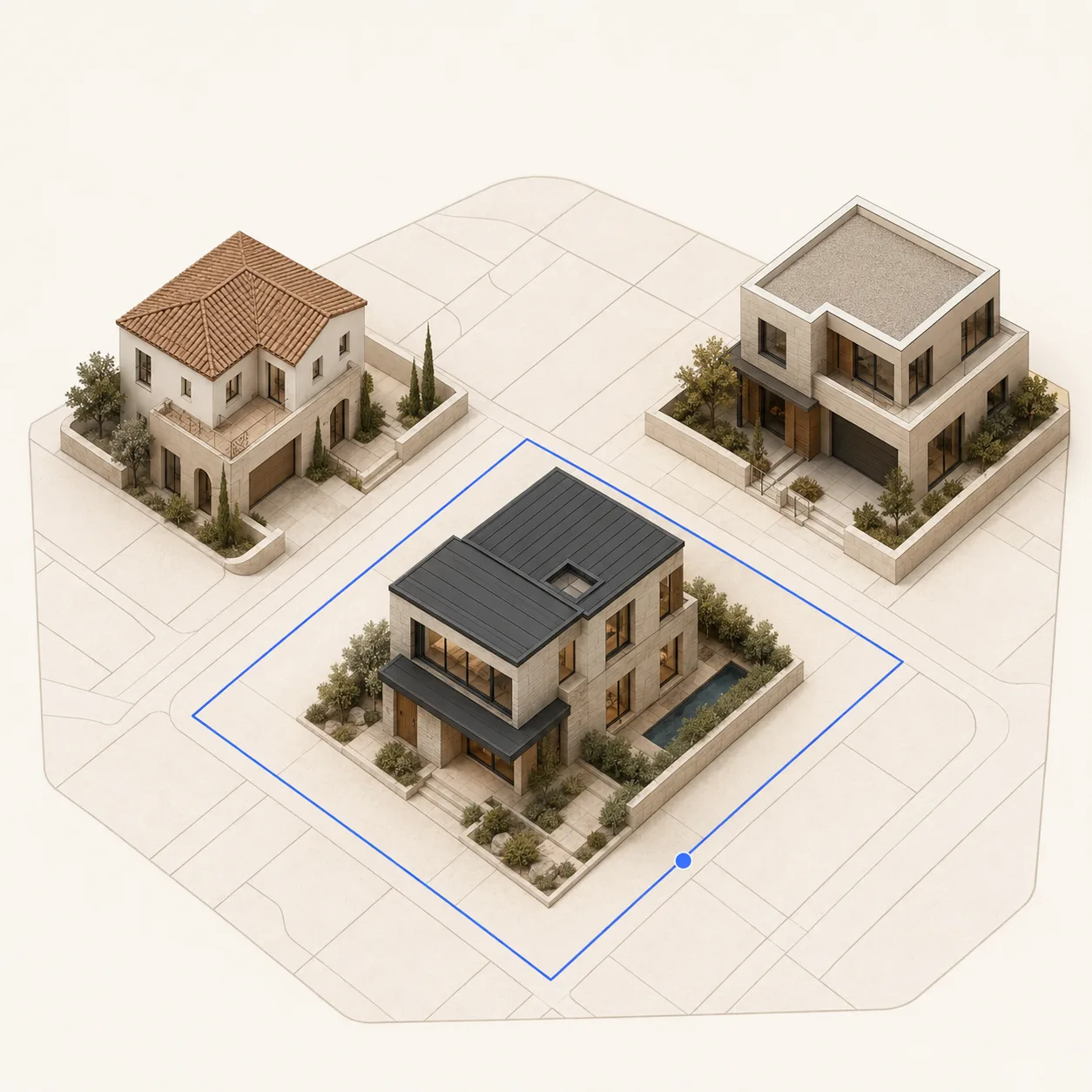
Liquidity
Optional approved markets for Sols. Fees and value can change.
Learn moreThe property and its record stay connected.
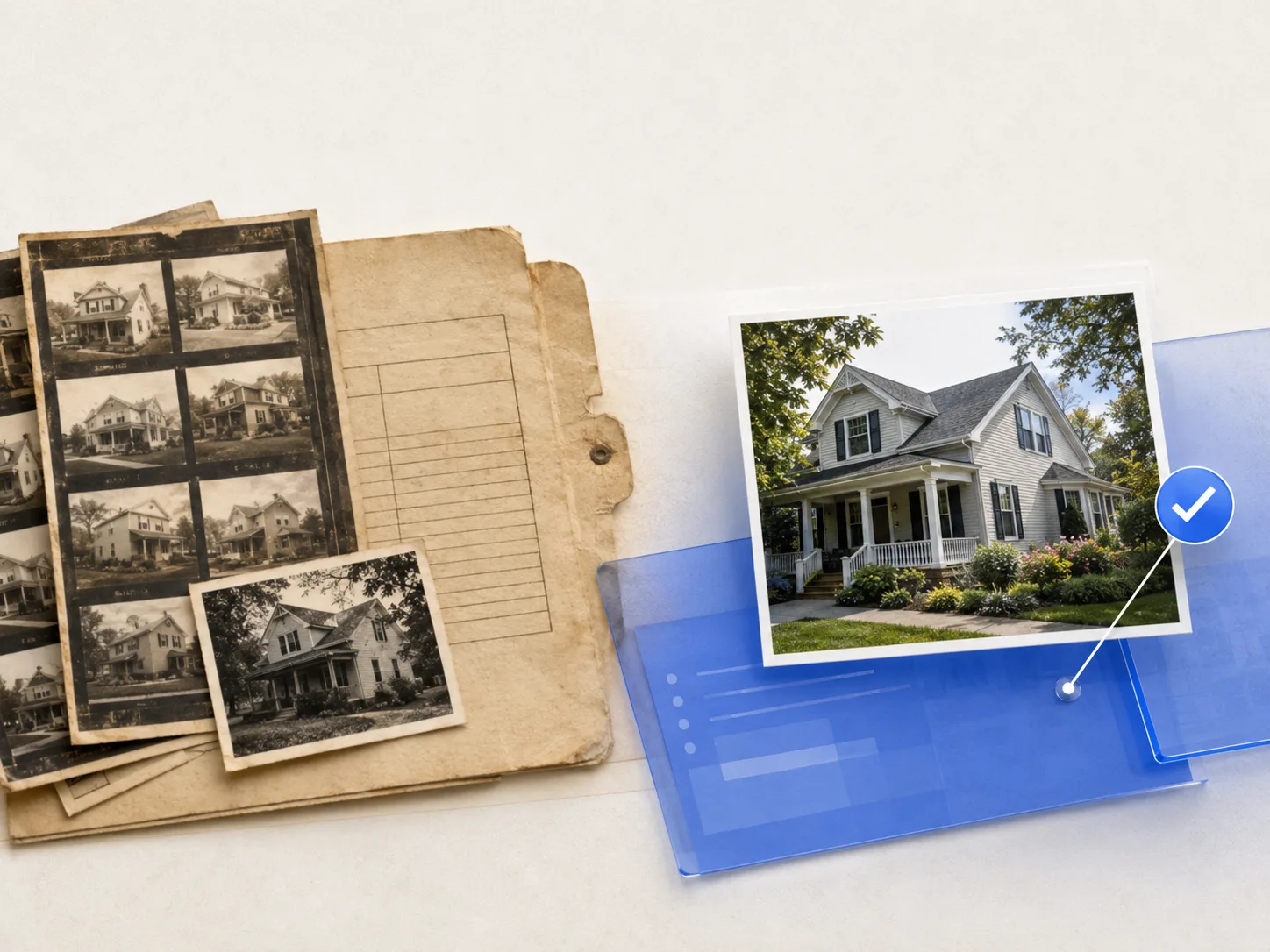
Each property keeps its own documents, SmartDeed identity, ownership history, and approved updates.

Know which value you are looking at.
- Protocol swap value
- This is the value used for an eligible SmartDeed swap. Solslot shows its source and update time.
- Outside market price
- This comes from activity in that exact approved pool. It can move separately and does not promise an outcome.